
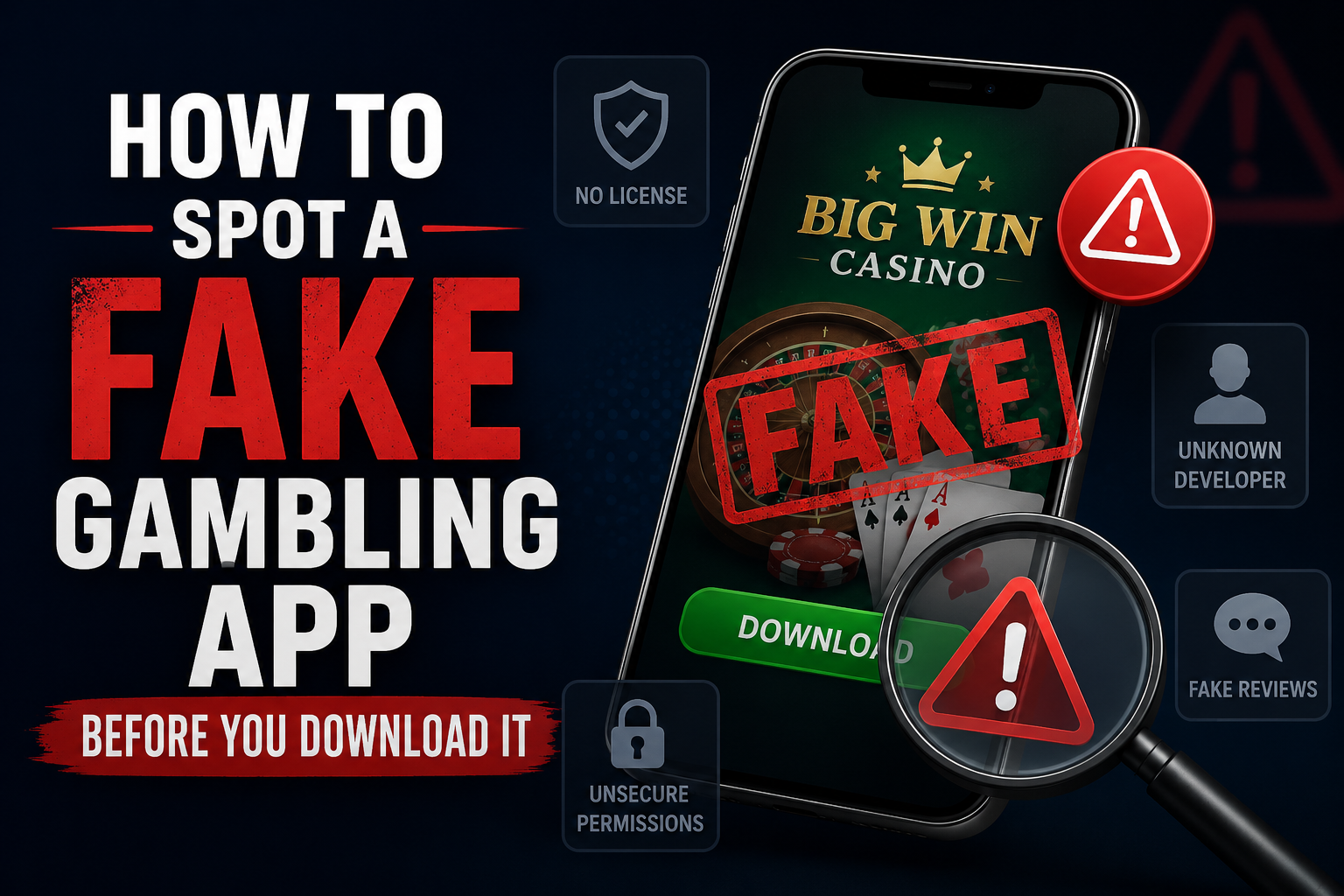
Learn (1) how to spot a fake gambling app before installing anything, (2) why this category of app gets cloned more than almost any other, (3) the specific icon, review, and listing red flags clone apps share, and (4) a quick verification method you can use in under two minutes before you download.
Table of Contents
Why Gambling Apps Are a Prime Target for Cloning
Real-money gambling apps are banned from the Play Store and App Store in most Asian markets, which means every legitimate app in this category already relies on APK downloads, third-party sites, and word-of-mouth links rather than an official store listing. That’s exactly the environment where cloning thrives — there’s no single verified source to check against, no app store review process filtering out impostors, and players are already used to downloading from unfamiliar links as a normal part of using the app at all.
Scammers take advantage of this by building a near-identical copy of a popular app’s icon, name, and landing page, then distributing it through the same channels — Telegram groups, Facebook ads, referral links — that the real app uses. The clone often works exactly like a login screen or deposit form, right up until the moment you enter real credentials or send money.
1. Red Flag: Spoofed Icons and Copycat Names
The fastest way to clone trust is to copy what people already recognize. Watch for:
- One-letter-off names — “777PKR” vs “77PKR,” “TeenPatti Gold” vs “TeenPati Gold.” These are designed to be skimmed past, not noticed.
- Nearly identical icons, sometimes with a slightly different color palette or a logo that’s been mirrored or cropped differently from the original.
- Version numbers or “official” labels added to the name — genuine apps rarely need to insist they’re official; the label itself is often a sign of compensating for the opposite.
If you have any doubt, compare the icon side-by-side with a screenshot from the app’s official social media page or a source you already trust — small inconsistencies are much easier to catch in direct comparison than from memory.
2. Red Flag: Fake or Bulk-Posted Reviews
Since these apps don’t live on the Play Store, “reviews” usually live on the download page itself or on third-party APK sites — both of which the app’s own operator can control entirely.
- All five-star, all recent, all short. Genuine feedback is usually mixed and specific; a wall of “great app, fast withdrawal!!” posted within days of each other is a common bulk-review pattern.
- No reviews mentioning problems. Every real-money app — even legitimate ones — accumulates some complaints over time. A total absence of negative feedback on an app that’s supposedly been live for months is itself unusual.
- Reviews that read like ad copy. Genuine user complaints and praise tend to be messy and specific (“waited 3 days for withdrawal”); fake reviews tend to read like marketing lines repeated with small variations.
3. Red Flag: No Official Website — Just a Download Button
A legitimate operator, even an unlicensed one, usually has some consistent web presence: a website, a support contact, a social media account with a posting history. Clone apps frequently skip all of this and exist as nothing more than a single landing page with a download button and no other information.
Before downloading, check whether the app has:
- A website beyond a single download page
- Any social media account with posts older than a few weeks
- A visible way to contact support that isn’t just a Telegram handle created recently
The absence of all three isn’t automatic proof of a scam, but it removes every independent way of checking the app’s history — which is exactly the position a clone wants you in.
4. Red Flag: Mismatched or Missing Developer History
If the APK file itself is available to inspect, or if the app has ever appeared on the Play Store before being banned or removed, the developer name attached to it is worth checking:
- Search the developer name — a real, ongoing operator usually has some trace: other apps, a company registration, or at least consistent branding across their history.
- Compare the developer name across different versions of the “same” app. If different download sources show different developer names for what’s supposed to be one app, that’s a strong signal at least one of them is a clone.
- Be suspicious of newly registered developer accounts distributing an app that claims to be an established, long-running platform.
5. How to Spot a Fake Gambling App in Under Two Minutes
Put together, here’s a fast verification routine before you download anything:
- Reverse image search the app icon (Google Images → camera icon, or apps like Google Lens) to see how many different versions of “the same app” are circulating.
- Search the app name plus “fake” or “clone” — if other players have already flagged a clone, it usually surfaces quickly.
- Check the download source against the app’s own official channels, if you can find them — does the link match what the operator itself shares?
- Scan the APK file with a tool like VirusTotal before installing, regardless of how confident you feel.
- Trust your read on the reviews and web presence using the checks above — a rushed, thin, download-only page is a pattern worth remembering across every app you check in the future, not just this one.
None of these steps take long individually, and together they take under two minutes — far less time than dealing with a compromised account or stolen deposit afterward.
Frequently Asked Questions
How to spot a fake gambling app if it has the exact same name as the real one? Focus on the icon details, the developer name, and the web presence rather than the name alone, since an exact name match is easy for a clone to copy. Reverse-image-searching the icon and checking developer history are the two checks that are hardest for a clone to fake convincingly.
Are fake gambling apps only a problem with APK downloads, or can Play Store apps be clones too? Both, though it’s more common with APKs since there’s no store review process. Play Store clones do occasionally slip through as well, so the same icon and developer-name checks apply even there.
What’s the single most reliable red flag on this list? No one signal is definitive on its own, but a page that only has a download button — no website, no social history, no contact method — combined with all-positive recent reviews is the strongest combined pattern for a clone.
If I’ve already installed a fake app, what should I do? Uninstall it immediately, change any passwords you may have reused, and check your bank/e-wallet statements for unauthorized activity. If you entered payment details, contact your bank directly rather than only relying on the app’s own support.
A clone app only needs to look convincing for the few seconds it takes someone to tap download — after that, the real damage is already possible. Checking the icon, reviews, web presence, and developer history before installing takes a couple of minutes and catches the vast majority of clones before they ever reach your phone.
More Articles
This article is for informational purposes only and does not constitute legal or technical advice. Always exercise caution when installing apps from outside official app stores.